Focus app
enfoKT
A timer with ambient sounds. It's free, has no ads, needs no account and doesn't collect your data.
Download for Windows installer, 12 MBBeta 0.1.4 How to install it
The app is in beta, and some things may change. For now it's only in Spanish. English is on the way.
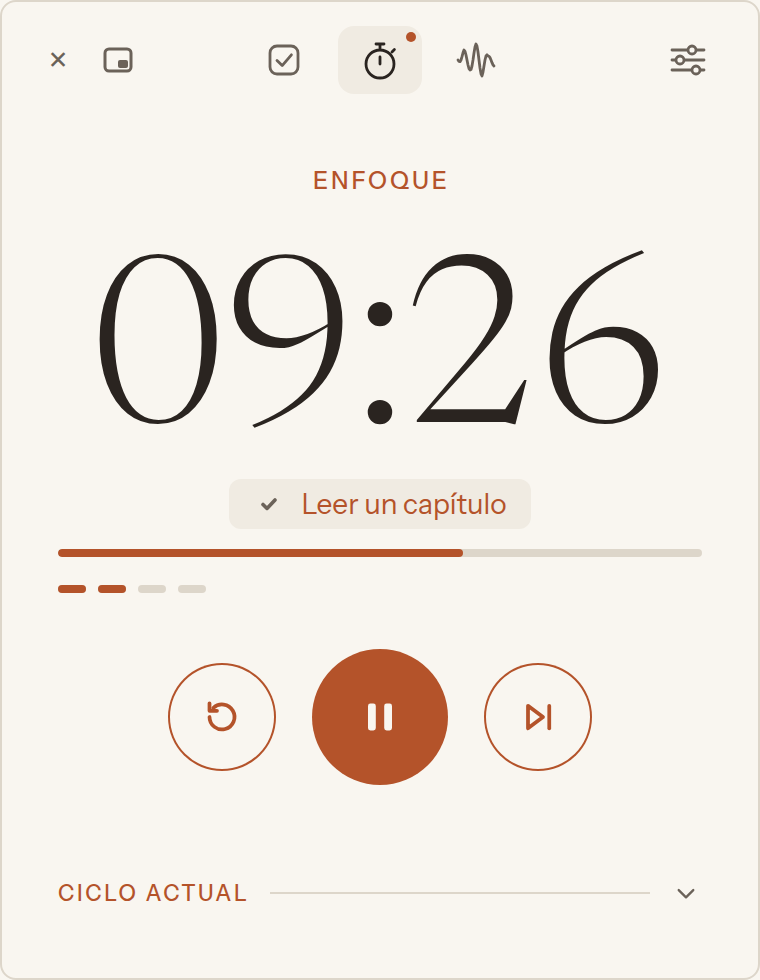
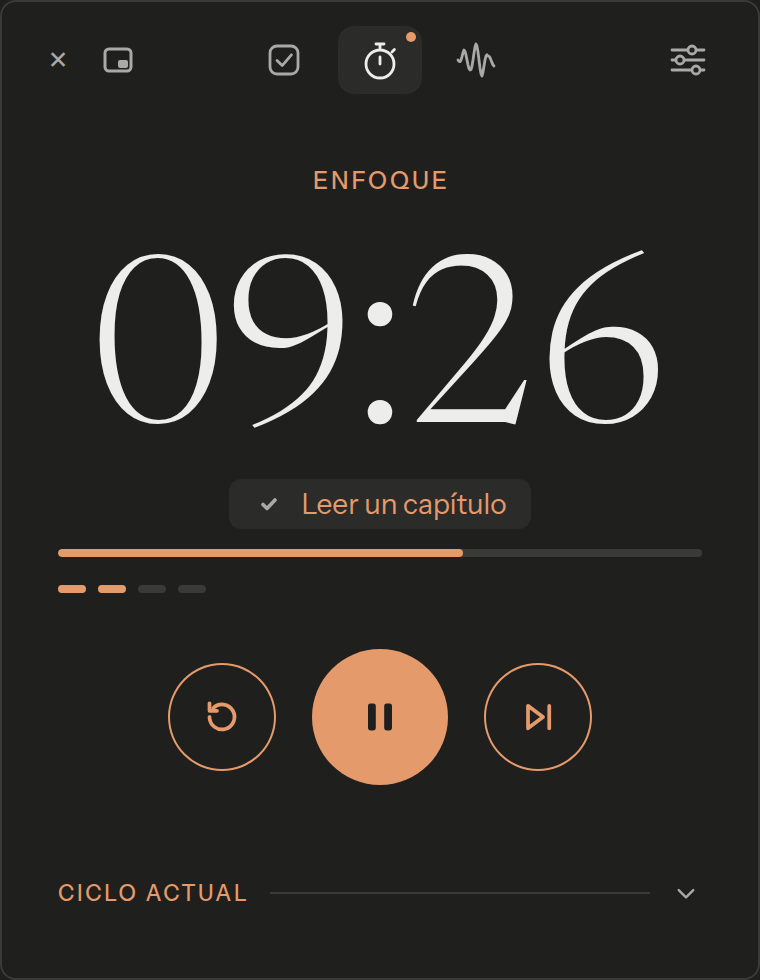
What's inside
- The timer sits next to the system clock.
- A mini window stays on top of everything, with the time in sight.
- A cycle of focus and breaks that you shape to fit you.
- A task list with notes for each task. The timer follows it.
- Ambient sounds you mix to your taste.
- It updates itself, and you can turn that off.
Where it came from
I get distracted very easily. Some apps help me focus, but each one has something I don't like, and almost all of them charge a subscription. So I put the best of them into one. I use it myself to focus.
How to install
Windows
- 1Download the installer.
- 2Open it from your downloads.
- 3If you see "Windows protected your PC", click "More info".
- 4Click "Run anyway".
- 5Click "Next" until it says "Finish".
- 6Open enfoKT from the Start menu.
Note. That warning shows up because the app isn't signed with a certificate yet. It doesn't ask for administrator rights and installs only for your user. It opens by itself every time you start your computer. You can turn that off in Ajustes (Settings), General.
How to put it next to the clock
Windows
- 1Click the little arrow (^) on the taskbar, next to the clock.
- 2Find the enfoKT icon.
- 3Drag it onto the taskbar, beside the other icons by the clock.
Note. Windows keeps new icons behind that arrow. If you leave it there, the app still works, but you won't see the minutes.
Once you see the minutes next to the clock, you're set. Left-click the icon to open the window, and right-click to pause or resume.
How to use it
- Click the icon next to the clock to open the window. Right-click to pause or resume.
- At the top you'll find tasks, the timer, ambient sounds and settings, each in its own tab.
- In tasks you write down what you'll work on, and the timer tells you which one is up in each focus.
- In the timer, Iniciar (Start) begins the focus. When it ends, the break follows.
- The button next to the × turns it into a mini window. Hover over it to pause or go back to the big one.
- In ambient sounds, a click turns a sound on. Slide it or use the wheel for the volume.
- If you like what's playing, save it as a mix.
- In settings you change how long each phase lasts and how it lets you know.
Tell me
It's a beta, so it helps me a lot to know what was hard to understand, what you expected it to do that it didn't, what's too much or missing, how the ambient sounds sound and, if something broke, what you were doing. You can write in English.
hola@soyitiel.comopens your emailSupport it
enfoKT is free. If it helps you and you'd like to support it, you can leave me a tip on Ko-fi.
ko-fi.com/soyitielopens Ko-fiFine print
It needs no account and works without internet. Once a day it checks for a new version. If there is one, it downloads it and installs it the next time you open the app. You can turn both off in Ajustes (Settings), Acerca de (About). It doesn't send any data about you or how you use it.
It also has a local API for scripts and AI agents on your computer.